A robot can finish its task and still fail the person who needs to control, repair, or share space with it. Accessible design puts the operator’s body, senses, language, and working conditions into the first design review, not the last software update.
- Controls need clear labels, useful feedback, and enough space for different hands.
- Alerts should use more than one channel, such as light plus sound.
- Safe recovery matters after a stop, fault, or lost connection.
Start with the person at the control panel
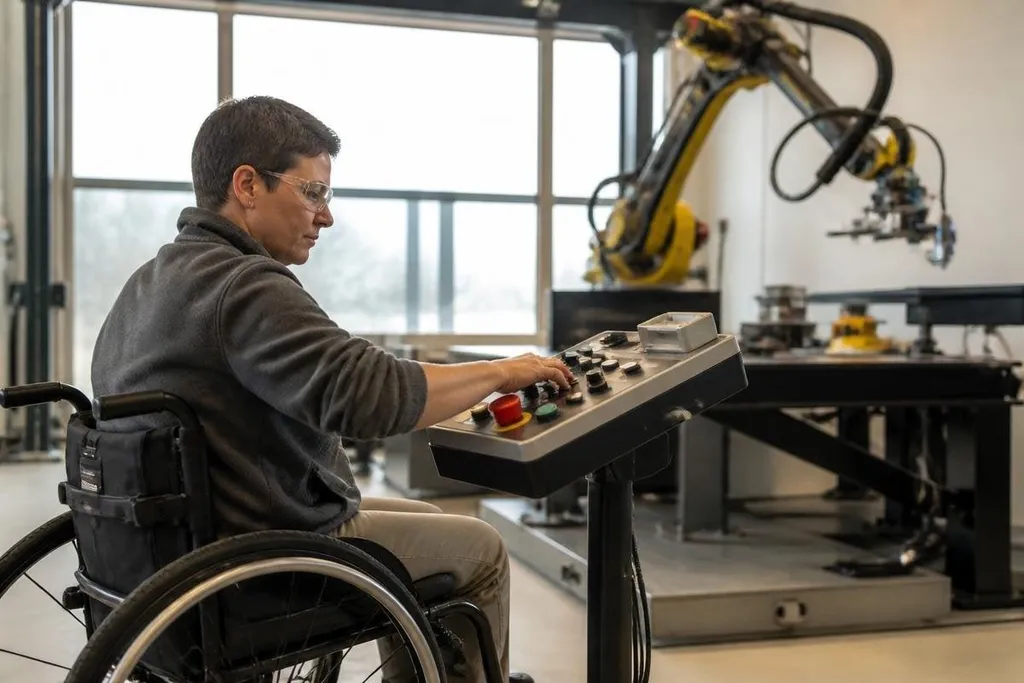
A control panel often assumes full hand movement, sharp vision, and quick reactions. That excludes people who use one hand, wear gloves, have limited reach, or need larger text and stronger contrast.
The fix starts with physical layout. Place the emergency stop where an operator can reach it without twisting around the robot. Give buttons enough space to avoid a wrong press, and mark them with text, shape, and color rather than color alone.
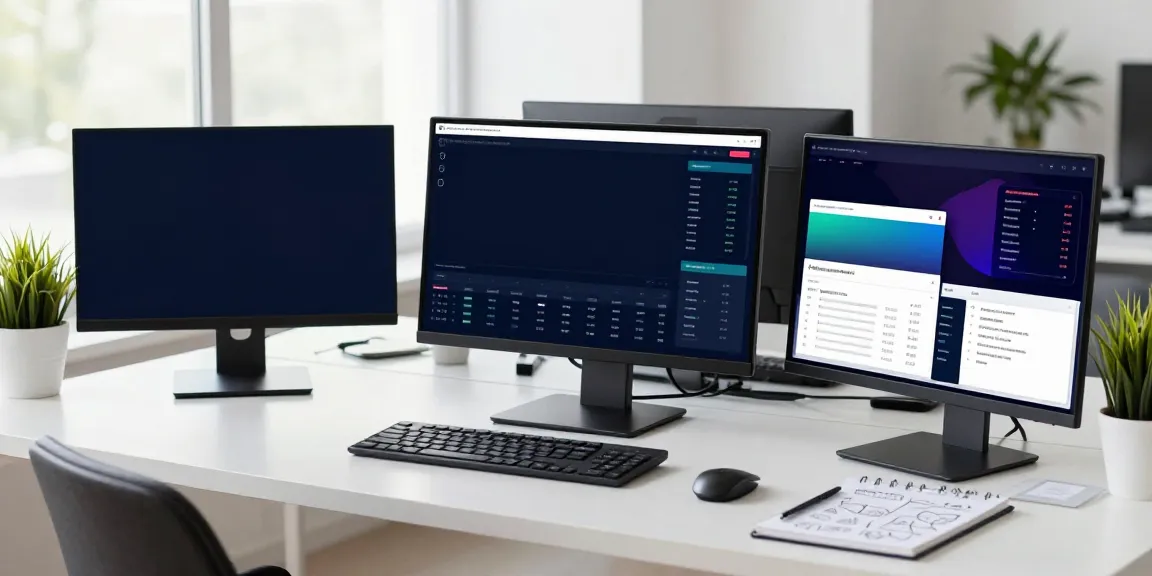
The same rule applies to software. A touchscreen control should show the robot’s current state in plain words: moving, paused, blocked, or waiting for approval. A small icon can support that message, but it shouldn’t carry the whole meaning.
The same approach helps during a fault. If the robot stops beside a shelf, the operator needs to know what blocked it, what the robot will do next, and which action returns it to a safe state.
Use more than one kind of feedback
A robot’s warning may reach a person through sound, light, vibration, or text. Relying on one channel creates a weak point. A worker may not hear a tone in a loud plant, while another person may not see a flashing lamp from the side.
Use paired signals for events that affect safety or task progress. A red light can mark a stopped robot, while a short tone and screen message explain the reason. A spoken alert can help someone with limited vision, but the same message should appear in text for people who cannot hear it.
Feedback needs a clear time order. The first signal should say that something changed. The next message should state the condition. The final screen should show the available action. This sequence reduces guesswork when several robots share one work area.
For people who use assistive technology, software should expose its controls to screen readers and alternative input devices. Keyboard access, readable text, and adjustable text size are small design choices with a direct effect on daily work.
Accessible controls need proof in a working product, not only in a design plan. Robotics coverage from Robot24.com can tie a control method to the robot and test setting before the next section looks at fit across bodies and work sites.
Design for different bodies and work sites
Accessible robots need more than accessible screens. A person may need to load a battery, clear a jam, attach a tool, or inspect a sensor. Those jobs involve reach, grip force, lifting height, and the space around the robot.
Designers can reduce strain with handles that work for a gloved hand, connectors that do not need high grip force, and service panels that open without forcing a person to kneel or reach overhead. These details also help people who have temporary injuries or work in cold conditions.
The robot’s movement needs the same care. Set a speed that gives people time to see and understand its motion. Keep lights, displays, and moving joints visible from the places where staff actually stand.
Test the robot beside racks, doors, ramps, and other equipment instead of relying on an empty lab floor.
Build recovery into the task
A stop button is only the first part of safe control. After a stop, the robot should keep its status visible and explain what must happen before motion can resume. A restart that sends the arm back to its last position may surprise someone who has moved into the work area.
Recovery steps should work for people with different levels of technical training. Use numbered actions when order matters, and show which parts of the robot need a check. Store fault records in a form that a service team can read later, with the time, robot state, and operator action.
The person who cannot complete a task through the main interface needs another route. That might be a physical button, voice input, a handheld controller, or help from a second operator. The alternate route must have the same safety checks as the main one.
A practical design check
Before approving a robot for a shared workplace, ask:
- Can a person with one hand reach the stop control and read its label?
- Does every safety alert use at least two clear forms of feedback?
- Can the screen work with a keyboard or screen reader?
- Can staff restart the robot without standing in its path?
- Do service tasks avoid high grip force, overhead reach, or floor-level access?
- Has the team tested the robot with gloves, noise, glare, and blocked sight lines?
This approach is a testable part of robot engineering. It appears in the button shape, alert sequence, service handle, screen text, and recovery path. I'd reject any robot that calls itself safe while leaving those details to operator guesswork.
The next useful review is not a slogan or a demo. Put the controls in front of people with different needs, record where they pause, and fix those points before the robot enters daily work.